

SUPERVISION
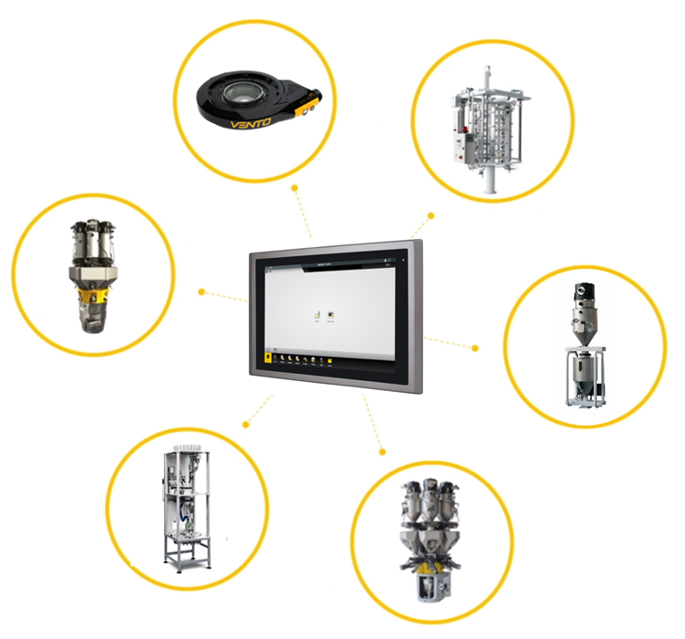
WBox
User Interface
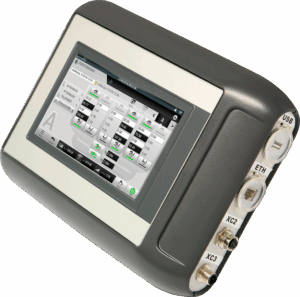
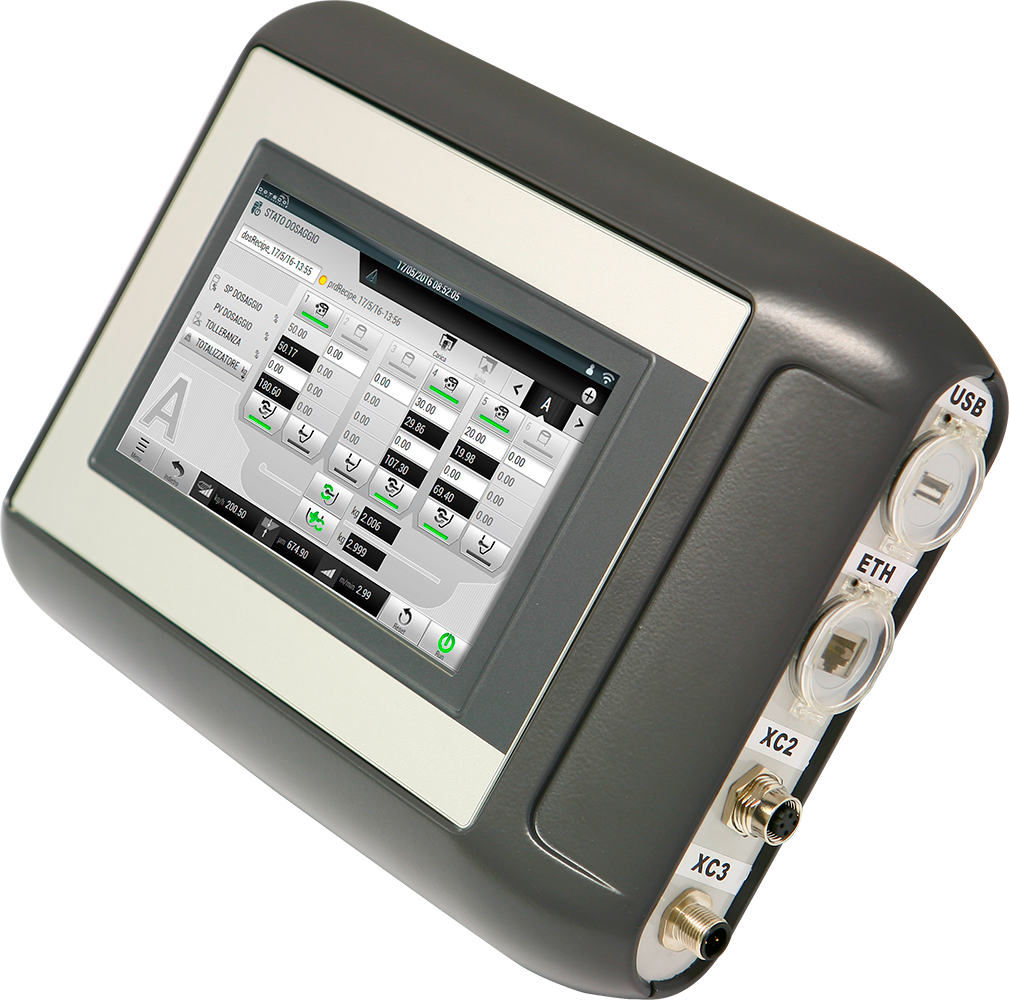
Graphically intuitive yet highly powerful color touch-screen interface.
Different control options: parameter setting, dosing, extrusion, and advanced performance analysis.
ALL‑IN‑ONE solution: all Doteco’s control functions on a single device.
Intuitive and high‑performing
Developed in HTML 5.0 to navigate with ease among the configuration options.
Solid state memory: very reliable, high storage capacity.
Remote technical assistance as a standard feature: a fast response from technical support, means less downtimes.
Wide range of models and sizes
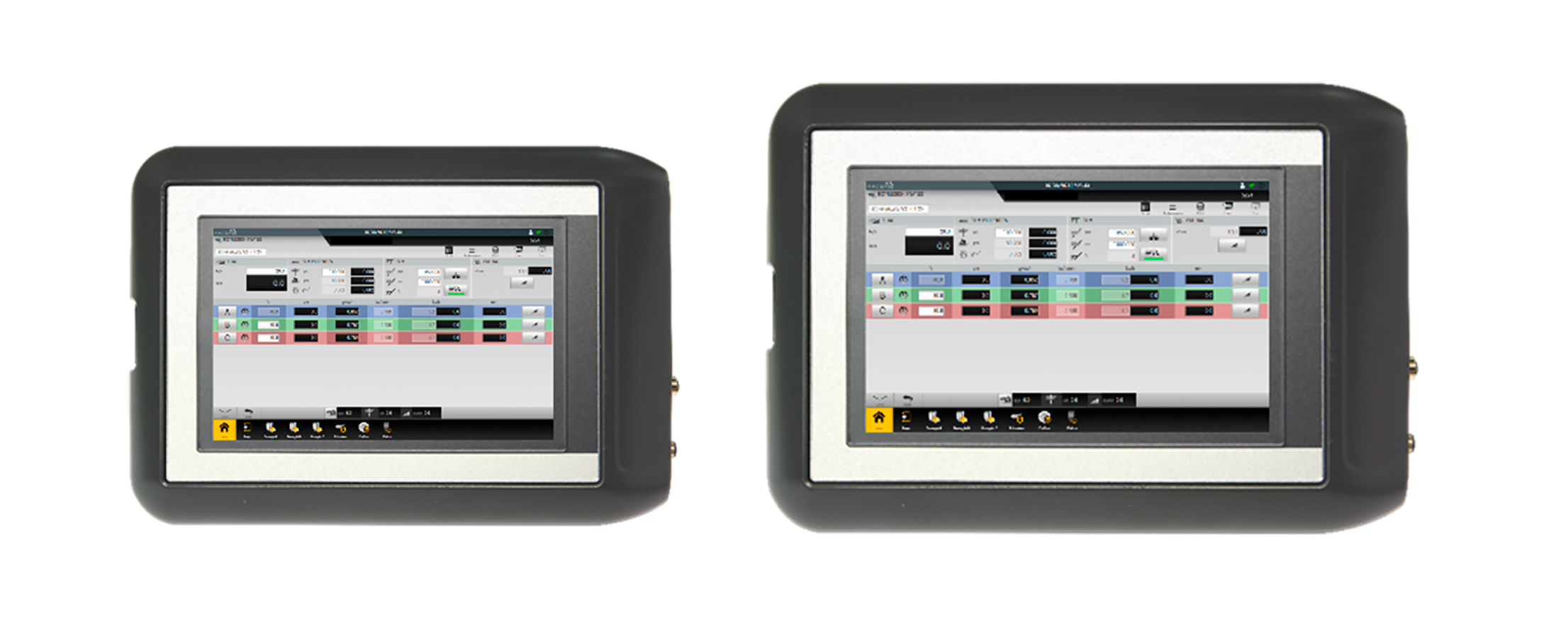
WBox is available as a portable version with a 7″ or 10″ display, or as a panel‑mount version that can be integrated into the control cabinet, with 7″, 10″, 15″, 18″ or 21″ Full HD screen options.
Integrated remote support
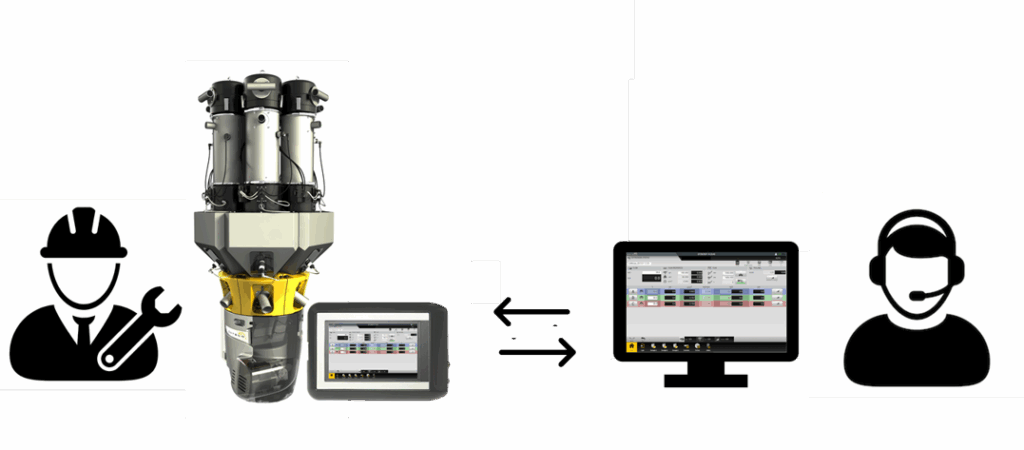
The integrated remote support service allows the operator to:
Download updates for the Wbox applications softwares.
Connect directly to Doteco’s Helpdesk, where a technician will perform all the necessary maintenance tasks on the blenders PLCs.
User-friendly architecture
The quick selection Menu allows the user to quickly switch between applications.
Thanks to customizable ID buttons, it is possible to easily access to the associated blender status page.
Activated functions are easily recognizable and identifiable.
Easily consultable alarm and notification sections.
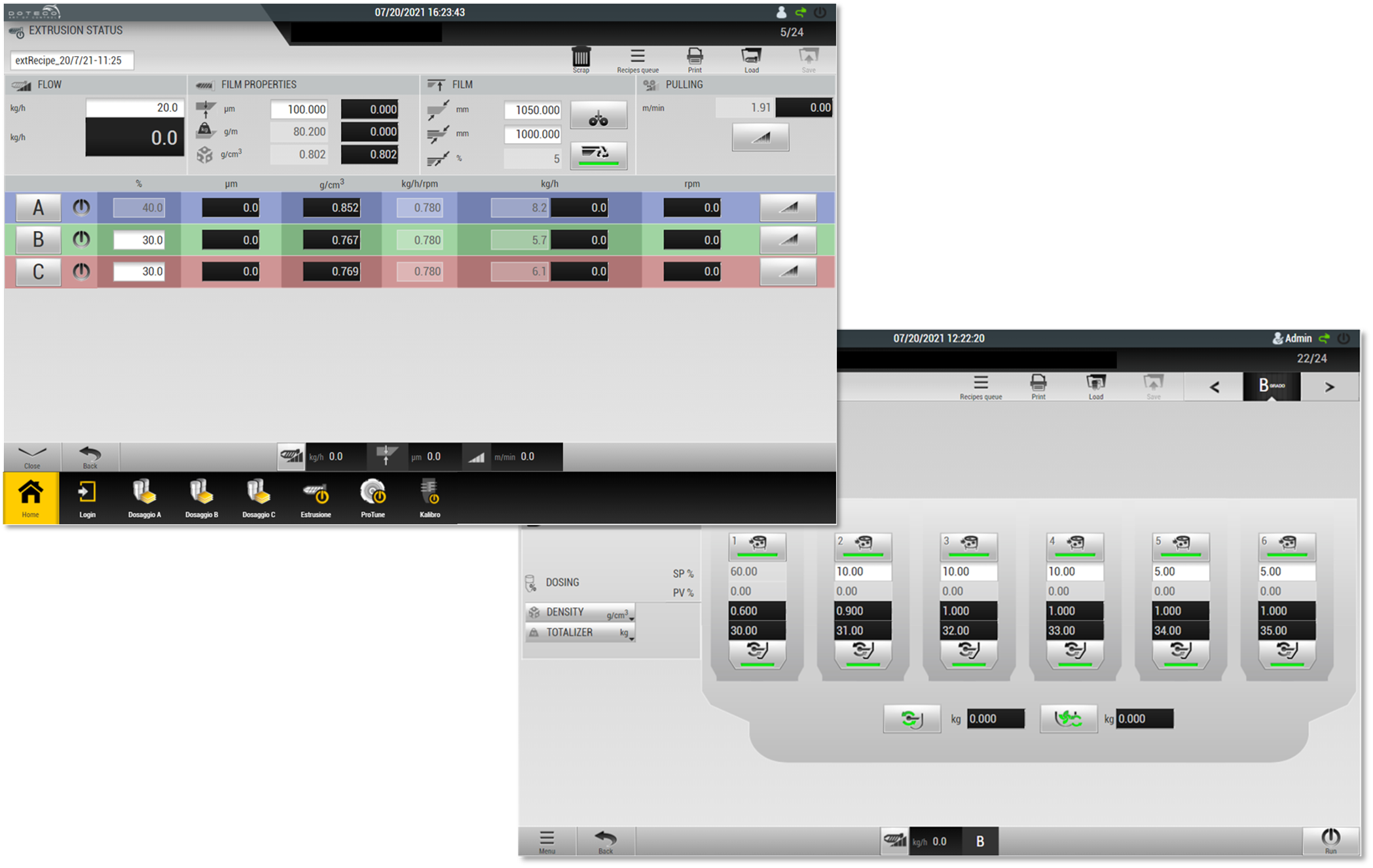
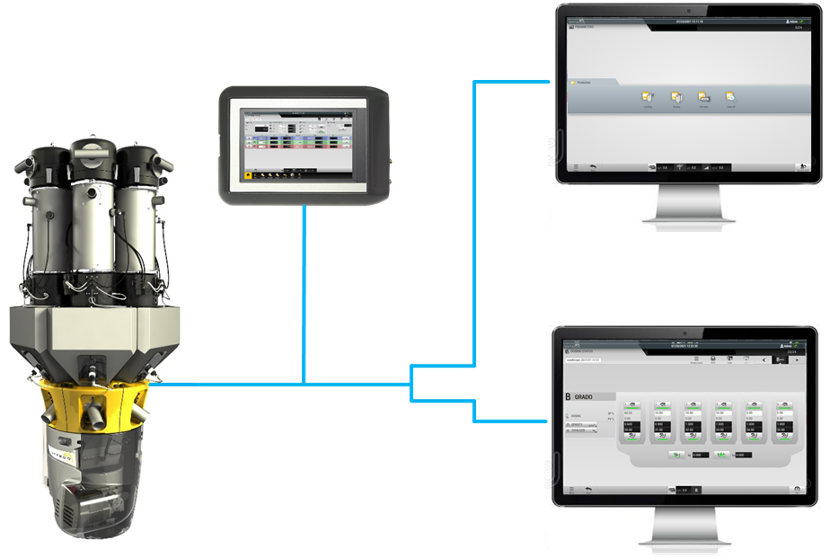
Multi-access system
Control or monitor the line from multiple devices connected to the same network.Thanks to an account-based login system, it is possible to assign different privileges to each user.
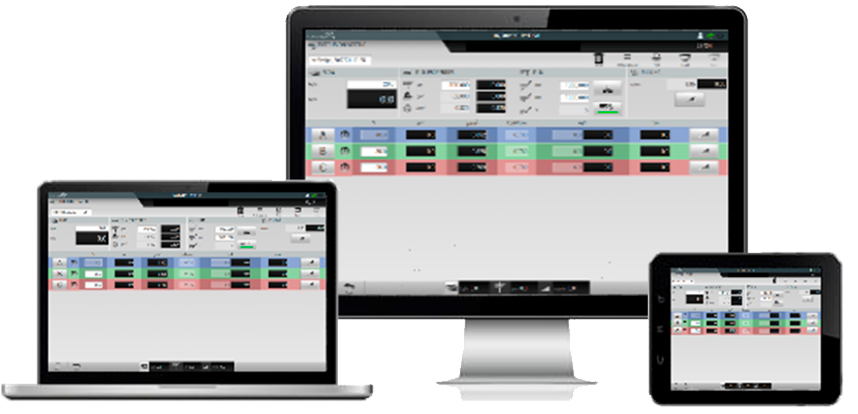
It runs also on your devices
The WBox software can be installed on third party devices such as tablets, laptops or desktop computers.
Graphics can self-adapt to the screen size to always ensure the best resolution.
All-in-one with WBox VISTA
Choose the software combination to maximize the line performance.
With WBox Vista it is possibile to run multiple applications on the same interface.
All Wbox process control softwares include a wide range of settings and options to optimize the machines setups.